Get seamless workgroup-level document
management with Doc2NET
TM
.
For advanced document filing and archiving, select Sharp
IMAGERs are compatible with Liberty IMS Doc2NET, an
workgroup-level solution that enables users to capture, organize,
retrieve, and secure documents. With sophisticated storage
and indexing, full text search capabilities, and output and
distribution capabilities via fax, e-mail, and print, Doc2NET
delivers quick and convenient access to shared documents for
the entire workgroup—not to mention increased efficiency.
Doc2NET Key Features
• Capture, organize, retrieve, and secure documents
• Import existing files into Doc2NET for centralized
archiving with Import Wizard
• Index documents using structured indexing with up
to 6 different fields for quick retrieval
• Full text search capability
• Track important information about the history of
the document with Audit Trail
• Merge multiple image (TIFF) files into one document
• Add highlights, comments and annotations
with the Mark-Up Toolbar
• Organize files into10 filing cabinets, each with
6 separate drawers and 26 individual folders
from A to Z
Get instant tech support with My Sharp.
To make learning all the features of your Sharp IMAGER
and software simple and easy, ask your local Authorized
Sharp Dealer about My Sharp, a new technology and training
support website that allows you to locate resources, download
demos of product features, and find information specific to
your Sharp IMAGER.
Document/Image Sharp Digital IMAGERs with Network
Input Methods Scanning enabled: Any TWAIN
32-compliant Scanner
Network Scanner Tool
1
Enables automatic and direct transfer of
scanned image/document from Sharp
Digital IMAGER to workstations
Viewing and Document Folder: Tree hierarchy
Management (Windows
®
Explorer-like)
Document: Thumbnail with preview file
format icons (BMP, TIFF, JPEG, DOC, XLS,
PPT, etc.; over 200 file formats supported)
Search Full text and file property search,
Supports up to 35 file formats, Create up
to 20 unique indexes, Automatic index
updates
Page (section) Operations Add, delete, paste, move, copy, de-speckle,
crop, straighten page, and undo for image
files
Annotation Copy (cut) and paste portion of page,
save text, line art, rectangle, hyperlink,
initials, notes, highlighting, freehand
drawing, stamp, display/hide annotations
for viewing and printing image files
Supported Languages English (US and British), French, Italian,
German, Spanish, Swedish, Dutch
Output Methods E-mail attachment (in original format, or
SDF
2
file from Sharpdesk Composer),
OCR, format conversion (Sharpdesk
Imaging: TIFF, JPEG, BMP, etc.)
Minimum System Requirements
CPU At least 300 MHz Pentium or equivalent
(500 MHz or better recommended)
Main Memory Windows 98/ME: Minimum 128 MB,
Windows NT/2000: Minimum 128 MB,
(192 MB recommended), Windows XP:
Minimum 128 MB
Operating System Windows XP Professional/Home Edition,
Windows 98 or Millennium, Windows
NT
®
4.0 (SP6) or 2000 (English version)
3
,
Internet Explorer 6.0 or later, Installed
TCP/IP network
Hard Disk Free Space 300 MB application footprint
500 MB free hard drive space recommended
Display 800 x 600 or higher resolution, at least
256 colors (True Color recommended)
1
Network Scanner Tool is a check-off option while installing Sharpdesk.
2
SDF Composer file — a Sharp-original format that can be converted to PDF.
3
OS version with minor updates after release may not be compatible with some versions of Sharpdesk.
Sharpdesk 3.1 Specifications
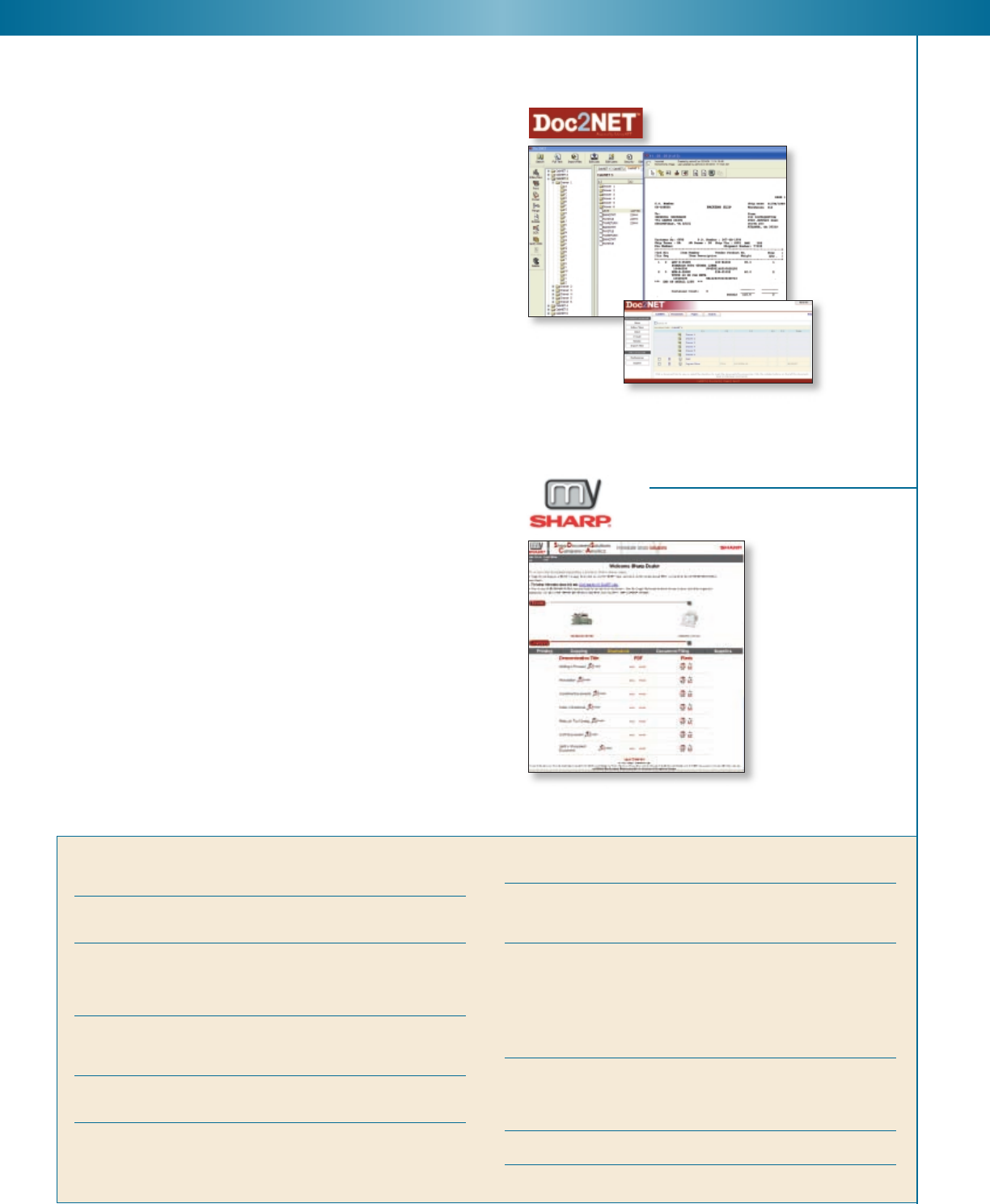
With Doc2NET v.2.0, you can select either a thick
client or web based (thin client) version. Both are fully
integrated with Sharp’s Digital IMAGERs and FO-DC
Series MFPs.

 (39 paginas)
 (176 paginas)
 (12 paginas)
 Manymanuals.com
 Manymanuals.de
 Manymanuals.fr
 Manymanuals.it
 Manymanuals.pl
 Manymanuals.cz
 Manymanuals.es
 Manymanuals-pt.com
Comentarios a estos manuales