Sharp AR-NB2N Manual de usuario Pagina 3

  • Descarga
  • Añadir a mis manuales
  • Imprimir
  • Pagina
    / 6
  • Tabla de contenidos
  • MARCADORES
  • Valorado. / 5. Basado en revisión del cliente
Vista de pagina 2
Scan
2
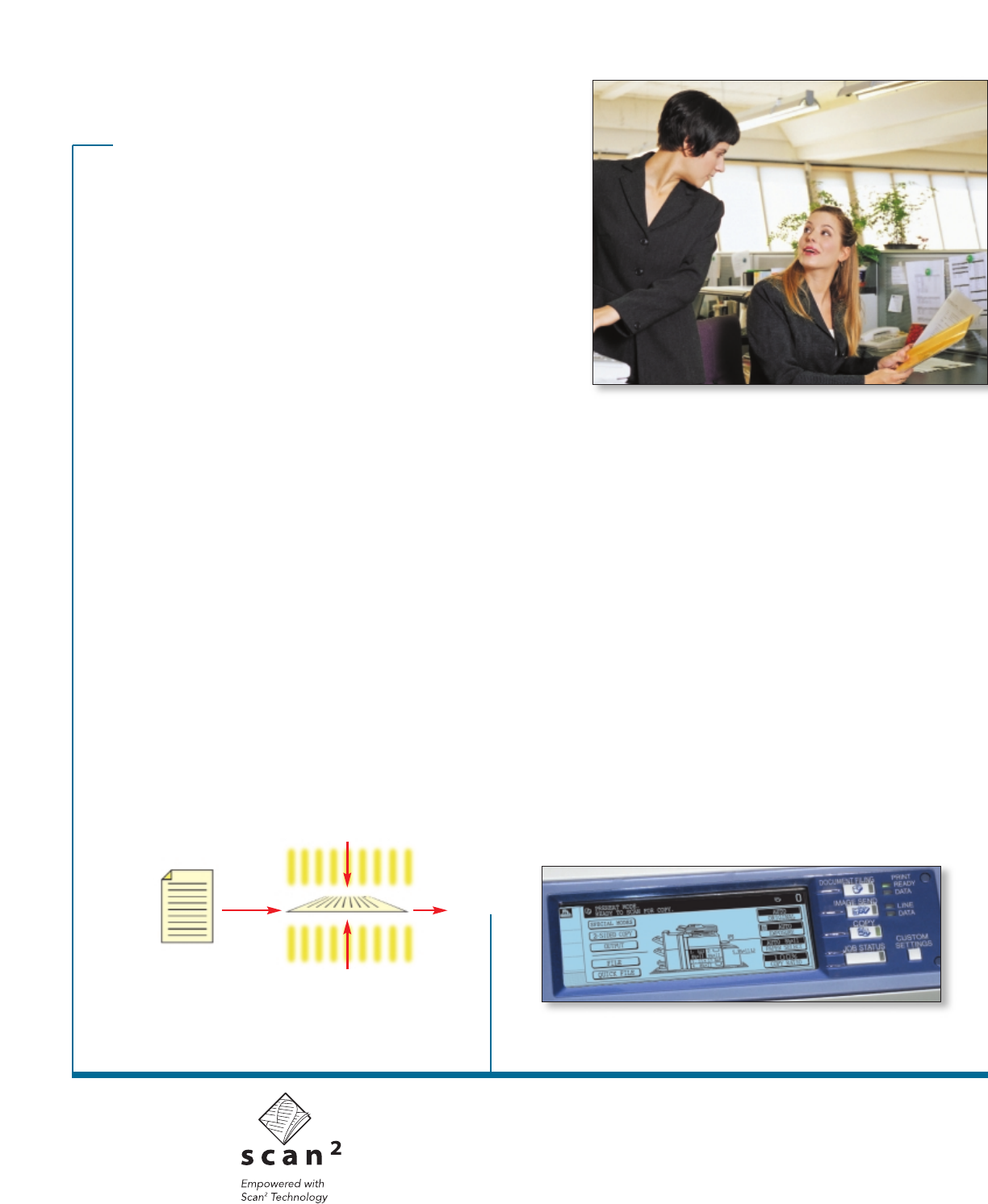
Technology scans both sides of a document
simultaneously, minimizing paper misfeeds dramatically.
Incredibly fast scan speed—for increased productivity.
Speed up your workflow with Sharp’s innovative Scan
2
technology. Available on select Sharp models,* documents
are scanned up to an amazing 65 images per minute (ipm)
simplex—and 76 ipm duplex. With integrated network
scanning, your office can instantly share documents and
communicate more effectively. Plus you’ll be able to:
• Reduce courier and overnight mail costs
• Archive and retrieve documents easily and securely
• Re-purpose content of saved documents
• Reduce need for filing cabinets and associated
floor space cost
• Streamline workflow by reducing the paper trail
Scan and send with the touch of a few buttons.
With Sharp’s ImageSEND technology* your IMAGER can
quickly scan a document and send it instantly to one of
six destinations—with one-touch simplicity on the IMAGER’s
control panel. ImageSEND destinations include Send to
Desktop, Send to E-mail, Send to FTP, Send to Fax,
Send to i-Fax, and Send to Group.
ImageSEND is practically effortless—and can streamline
your workflow—saving time and money.
Send your files effortlessly—and securely.
With convenient LDAP support (Lightweight Directory
Access Protocol)*, users can easily enter a recipient’s
address by entering only the first few characters. To reduce
the risk of scanned documents being e-mailed, integrated
User Authentication requires users to log in before
searching for an address and sending an outbound e-mail.
Intelligent Application Integration
Whether from customizable assist lists or entering
information on the fly, Sharp’s flexible Application
Integration Module allows you to add information,
or metadata, to your scanned documents. This enables
you to instruct selected applications on how to handle
your scanned document. Now you can initiate your
document workflow right from your IMAGER’s touch-screen
panel, automating tasks that once took several steps.
scan. capture. store. send.
ImageSEND makes it easy.
*available on Sharp AR-M350/M450, AR-M355/M455 and AR-M550/M620/M700
2-Sided
Document
Scan Front Side
Scan Back Side
The Application Integration Module makes it easy to initiate your document
workflow directly from the IMAGER’s user-friendly control panel.
Vista de pagina 2
1 2 3 4 5 6

Comentarios a estos manuales

Sin comentarios