Sharp LC-15B2MA Especificaciones
Busca en linea o descarga Especificaciones para Televisores y monitores Sharp LC-15B2MA. Sharp LC-15B2MA Specifications [en] Manual de usuario
- Pagina / 33
- Tabla de contenidos
- SOLUCIÓN DE PROBLEMAS
- MARCADORES

- LC-15B2MA 1
- LC-20B2MA 1
- DEAR SHARP CUSTOMER 3
- SAFETY PRECAUTIONS 3
- SUPPLIED ACCESSORIES 5
- PREPARATION 6
- PREPARATION (Continued) 7
- LOCATION OF USERS CONTROL 8
- Main unit (rear view) 9
- Remote control 10
- BASIC OPERATION 11
- BASIC OPERATION (Continued) 12
- BASIC OPERATION (Continued) 13
- SELECTING THE MENU ITEMS 14
- Upper control panel 15
- LANGUAGE 16
- PRESET (Continued) 17
- ADJUSTMENT 18
- ADJUSTMENT (Continued) 19
- NICAM BROADCASTS SELECTION 23
- </> 24
- Example of external devices 25
- Listening with Headphones 27
- TROUBLESHOOTING 28
- TROUBLESHOOTING (Continued) 29
- SPECIFICATIONS 30
- DIMENSIONAL DRAWINGS 31
Indice de contenidos
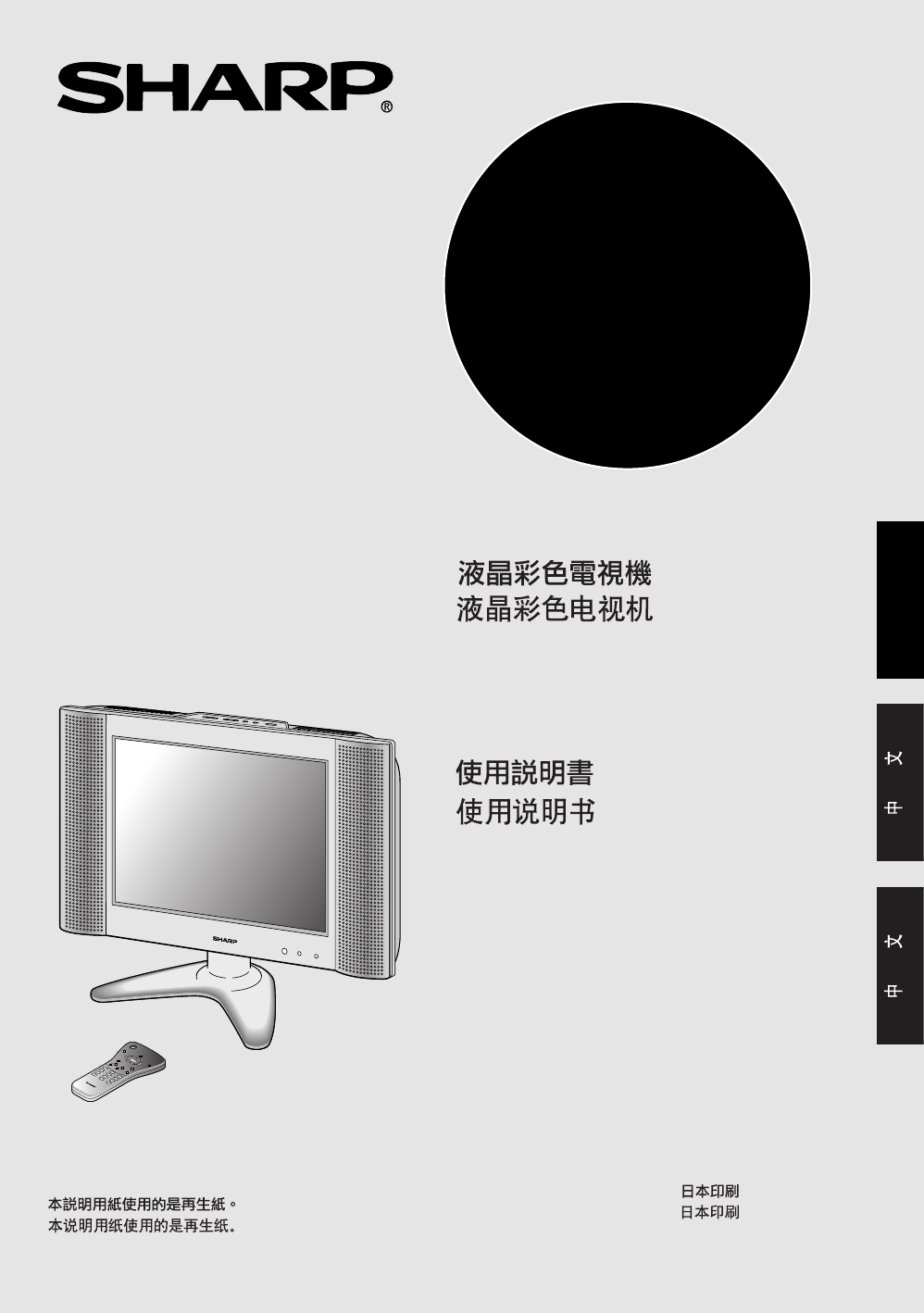
ENGLISHLC-15B2MA/LC-20B2MALCD COLOUR TELEVISIONOPERATION MANUALPrinted in JapanTINS-A011WJZZ02P04-JKMPrinted on post-consumer recycled paper.LC-15B2MA
9CHVOLTV/VIDEODISPLAYBRIGHTSLEEPMENUPOWERMPX-/--MENUSLEEPMENU cursor (Right/Left Selection) VOL (+)/(–)POWERTV/VIDEOMENU cursor (Upward/Downward Selec
10BASIC OPERATIONControl section of main unit1 Press MAIN POWER, located onthe upper part of the main unit toON.2 The POWER/STANDBY indicatorinstantan
11Sound VolumeON/OFF StandbyTo mute soundBASIC OPERATION (Continued)1 Press VOL (+) to increase soundvolume. The segment of indicatorincreases.2 Press
121 Press the button.2 If “5-” is indicated and the picturedoes not change, press the -/--button to switch over to the 1-digitselect mode and press
13MENUMENUSLEEP TIMERPICTUREFEATURECH-SETTINGSELECT: ENTER:EXIT:SELECTING THE MENU ITEMS• This LCD TV set allows you to adjust the picture and sound,
14On-Screen Display Language SelectionNote:•When starting PRESET after setting theSOUND SYSTEM with MENU of theRemote Control, the SOUND SYSTEMfor all
151 Press MENU (PRESET-1) on theupper part of the LCD TV set formore than two seconds. TheAUTO mode screen appears.2 Press MENU (PRESET-1) todisplay t
16PRESET (Continued)Channel Setting1 Press MENU to display the MENUscreen.2 Press ]/[ to move the cursor toCH-SETTING.3 Press </> to displayCH-S
17ADJUSTMENTAdjusting the SLEEP TIMER SettingTo use Direct Key function1 Press SLEEP to display theSLEEP TIMER screen.2 Press SLEEP to set the sleepti
18ADJUSTMENT (Continued)Adjusting the PICTURE Settings1 Press MENU to display the MENUscreen.2 Press ]/[ to move the cursor toPICTURE.3 Press </>
1LC-15B2MALC-20B2MALCD COLOUR TELEVISIONOPERATION MANUALENGLISHCONTENTSPageDEAR SHARP CUSTOMER ... 2SAFETY PRECAUTIONS ..
19Selected item Press <. Press >.CONTRAST Decrease contrast Increase contrastTINT Toward purple Toward greenCOLOUR Lower colour intensity Higher
20ADJUSTMENT (Continued)Adjusting the FEATURE SettingsTo use Direct Key function1 Press BRIGHT to displayBRIGHTNESS screen.2 Press BRIGHT to select th
21ABCABCABC In BLUE BACK, PICTURE setting displayed in purple cannot be selected. AV2 IN/OUT cannot be selected in AV2 mode. Also, AV2 mode cannot b
22NICAM BROADCASTS SELECTIONEnables selection of reception mode when receiving a NICAM signal.To let you enjoy NICAM broadcasting, this LCDTV receive
23IGR (German stereo system ) BROADCASTSEnables selection of reception mode when receiving an IGR Stereo signal.To let you enjoy IGR broadcasting, thi
24VOLCHMENUTV/VIDEOMAIN POWERVIDEOAUDIOLYPBPRRAUDIOLRCOMPONENTAV-IN2/OUTANT.VIDEOS-VIDEOAUDIOLRHEADPHONEPOWERINPUTDC13VAV-IN1TUNER/BANDDVDAUX 1AUX 3AU
25VOLCHMENUTV/VIDEOMAIN POWERANT.VIDEOS-VIDEOAUDIOLRHEADPHONEPOWERINPUTDC13VAV-IN1VIDEOAUDIOLYPBPRRAUDIOLRCOMPONENTAV-IN2/OUTTUNER/BANDDVDAUX 1AUX 3AU
26CONNECTING WITH EXTERNAL DEVICES (Continued)Outputting video and audio (video output)You can output video and audio data from the TV set through the
27TROUBLESHOOTING Before calling for repair service, check the following items for possible remedies tothe encountered symptoms.TV setProblem Check i
28AntennaProblem Check item• The reception may be weak.• The state of the broadcast may also be bad.• Make sure the antenna is facing the right direct
2DEAR SHARP CUSTOMERThank you for your purchase of the Sharp LCD Colour TV product. To ensure safetyand many years of trouble-free operation of your p
29SPECIFICATIONSLCD COLOUR TV COMPARISON As a part of policy of continuous improvement, SHARP reserves the right to make design and specificationchan
30DIMENSIONAL DRAWINGSUnit: mmLC-15B2MACHVOL61.156.5MENUTV/VIDEO MAIN POWERPRESET1298.861.1149.519848.527366.2229.4136.8108.81149.578.7303381.71229305
31Unit: mmDIMENSIONAL DRAWINGS (Continued)LC-20B2MACHVOL379MENUTV/VIDEOMAIN POWERPRESET1266.672.6107.372.6163.9229.465.530.5468.8295.81173137188193.59
ENGLISHLC-15B2MA/LC-20B2MALCD COLOUR TELEVISIONOPERATION MANUALPrinted in JapanTINS-A011WJZZ02P04-JKMPrinted on post-consumer recycled paper.LC-15B2MA
3 Cleaning—Unplug the power cord from the AC outlet beforecleaning the product. Use a damp cloth to clean the product. Donot use liquid cleaners or a
4ENGLISHLCD COLOUR TELEVISIONOPERATION MANUALPrinted in JapanTINS-A011WJZZ02P04-JKMPrinted on post-consumer recycled paperLC-15B2MALC-20B2MAMENUMake s
5PREPARATIONBatteries for Remote ControlIf the remote control fails to operate LCD colour TV functions, replace the batteries in the remotecontrol.– C
6Power ConnectionAntenna ConnectionNote:• Always turn the main power switch of the LCD TV set to OFF when connecting the AC adapter.• Always unplug th
7LOCATION OF USERS CONTROLSLEEP indicatorThe SLEEP indicator lights up red whenthe SLEEP TIMER is set to on.Remote sensor window(The actual location i
8LOCATION OF USERS CONTROL (Continued)ANT.VIDEOS-VIDEOAUDIOLRHEADPHONEPOWERINPUTDC13VAV-IN1VIDEOAV-IN 1AUDIO (L)AUDIO (R)S-VIDEOHEADPHONEAntenna term
Relacionado con productos y manuales para Televisores y monitores Sharp LC-15B2MA
 (88 paginas)
 (90 paginas)
 (61 paginas)
© 2020, manymanuals.es. Todos los derechos reservados | 0.022 s |
 Manymanuals.com
 Manymanuals.de
 Manymanuals.fr
 Manymanuals.it
 Manymanuals.pl
 Manymanuals.cz
 Manymanuals.es
 Manymanuals-pt.com
Comentarios a estos manuales