Sharp CX68RF5 Especificaciones Pagina 39
- Pagina / 56
- Tabla de contenidos
- SOLUCIÓN DE PROBLEMAS
- MARCADORES

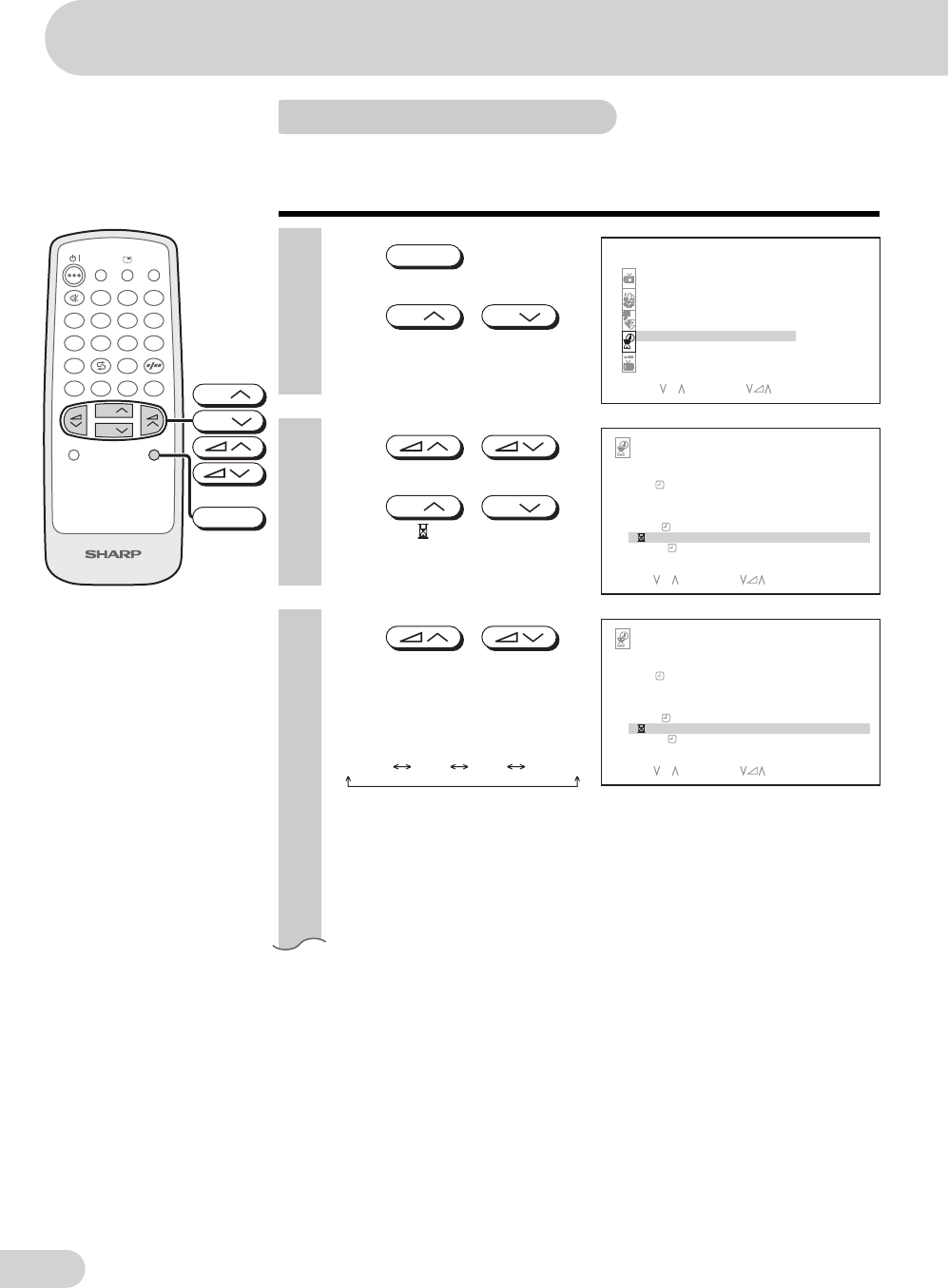
- OPERATION MANUAL 1
- COLOUR TELEVISION 1
- WARRANTY 2
- Contents 3
- Accessories 4
- Easy setup 5
- Safety precautions 6
- Part names 8
- Watching TV 10
- Operating the TV buttons 11
- Useful features 12
- TV/Video selection 13
- Channel recall 13
- Sound mode 13
- Selecting menu items 14
- Menu item 15
- Settings and adjustments 16
- 2 Press 17
- 3 Press 17
- 1 Press 19
- (ii) Press 20
- Channel setting (continued) 21
- 6 Press 22
- Equalizer 26
- Blue screen 27
- Auto select 28
- Comfy view 29
- 16:9 mode 30
- Child lock 31
- 7 Press 32
- CH I LD LOCK ON 33
- PLEASE INPUT PASS 33
- Timer cannot be set 35
- On timer 36
- On timer (continued) 37
- Off timer 38
- 3 Press / 39
- 4 Press 39
- 5 Press / 39
- View timer 41
- 9 Press 42
- 1 Turn on power 43
- 2 Enter 4 digits PASSWORD 43
- Beep reminder 44
- 3 To watch favourite channel 45
- 4 To preset another favourite 45
- Connecting to an antenna 49
- Connecting to video equipment 50
- Troubleshooting 51
- Specifications 52
- Definition of Terms 53
- Dimension: 176 x 250 mm 54
Relacionado con productos y manuales para Televisores y monitores Sharp CX68RF5
 (11 paginas)
 (90 paginas)
 (64 paginas)
 (48 paginas)
© 2020, manymanuals.es. Todos los derechos reservados | 0.027 s |
 Manymanuals.com
 Manymanuals.de
 Manymanuals.fr
 Manymanuals.it
 Manymanuals.pl
 Manymanuals.cz
 Manymanuals.es
 Manymanuals-pt.com
Comentarios a estos manuales