Sharp SX68NF8 Especificaciones Pagina 14
- Pagina / 36
- Tabla de contenidos
- SOLUCIÓN DE PROBLEMAS
- MARCADORES

- OPERATION MANUAL 1
- COLOUR TELEVISION 1
- Contents 2
- Accessories 3
- Easy setup 4
- Safety precautions 5
- Part names 6
- Behind the door 7
- TV Set (Bottom) 7
- TV Set (Top) 7
- Watching TV 8
- Operating the TV buttons 9
- Useful features 10
- TV/Video selection 11
- Channel recall 11
- Selecting menu items 12
- Settings and adjustments 13
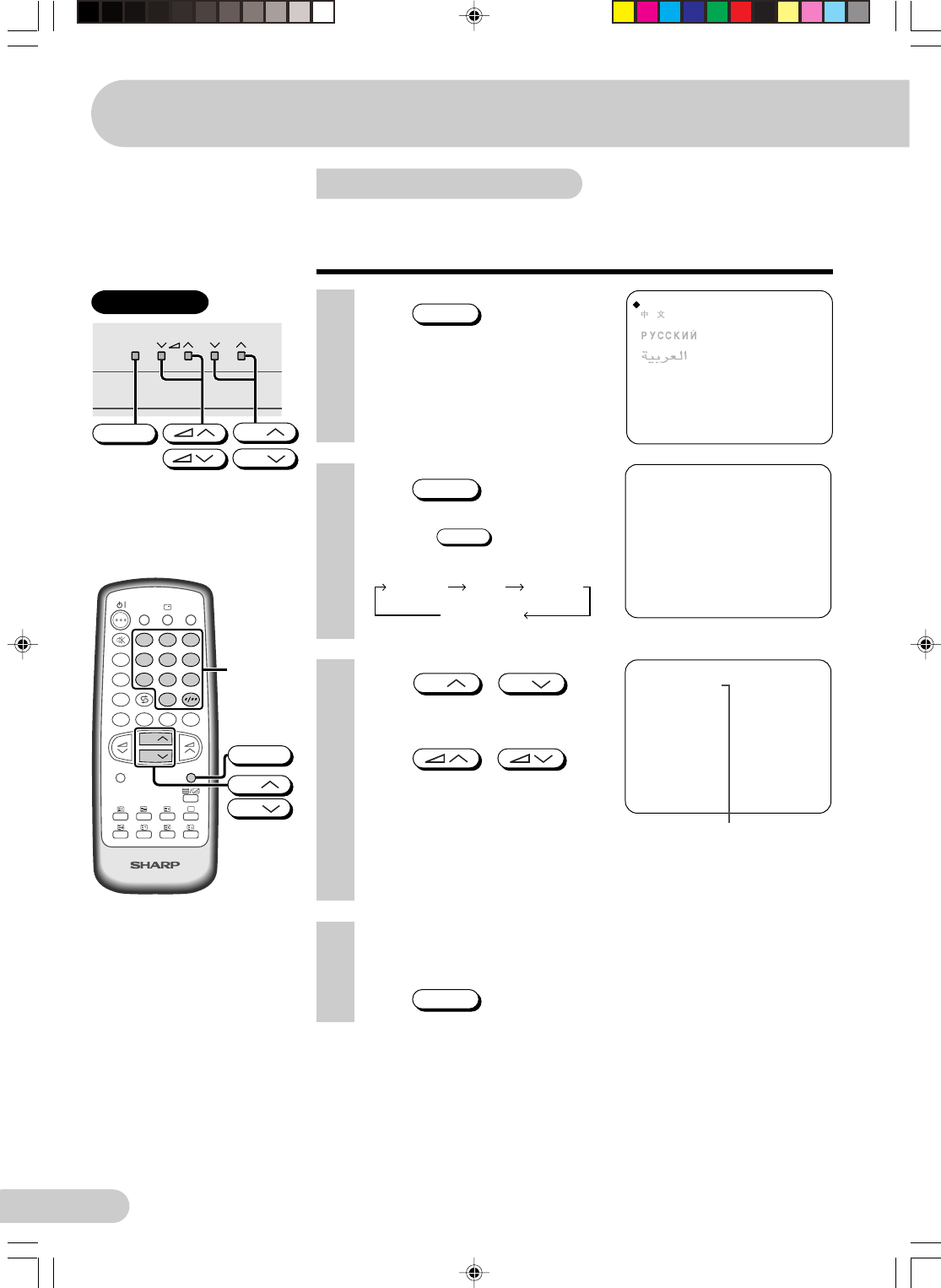
- Manual channel tuning 14
- 2 Press 15
- 3 Press / on TV 15
- 1 Press 15
- Channel setting 16
- Picture adjustment 17
- Sound adjustment 18
- Surround sound 19
- Blue screen 20
- POWER SAVE 21
- VM (Velocity Modulation) 22
- * Thai language not support 23
- Favourite channels 24
- AI (Artificial Intelligence) 24
- Off timer 25
- On timer 26
- Reminder on-screen timer 27
- NICAM broadcasts 28
- A2 stereo system broadcasts 29
- Teletext broadcasts 30
- Connections 31
- Antenna in 32
- Connecting to video equipment 33
- Troubleshooting 34
- Specifications 35
- WARRANTY 36
Relacionado con productos y manuales para Televisores y monitores Sharp SX68NF8
 (98 paginas)
 (44 paginas)
 (48 paginas)
© 2020, manymanuals.es. Todos los derechos reservados | 0.030 s |
 Manymanuals.com
 Manymanuals.de
 Manymanuals.fr
 Manymanuals.it
 Manymanuals.pl
 Manymanuals.cz
 Manymanuals.es
 Manymanuals-pt.com
Comentarios a estos manuales