Sharp PN-E521 Especificaciones Pagina 32
- Pagina / 38
- Tabla de contenidos
- SOLUCIÓN DE PROBLEMAS
- MARCADORES

- LCD MONITOR 1
- OPERATION GUIDE 1
- Contents 2
- Part Names 3
- Remote control unit 4
- Basic Operation 5
- Switching the screen size 6
- List of menu items 8
- Menu item details 10
- Menu Items 11
- ENLARGE (PC input) 12
- PIP/PbyP 13
- Dual screen display 13
- ZOOM2 SPECIAL SETTING 14
- SCHEDULE 15
- FUNCTION 17
- PC connection 18
- Communication conditions 18
- Communication procedure 18
- Commands for ID control 20
- RS-232C command table 22
- PICTURE menu 23
- AUDIO menu 23
- SETUP menu 24
- OPTION menu 25
- 2 x 2 4 x 4 5 x 53 x 3 26
- PIP/PbyP menu 27
- Settings to connect to a LAN 29
- Set up process 30
- Controlling with a PC 31
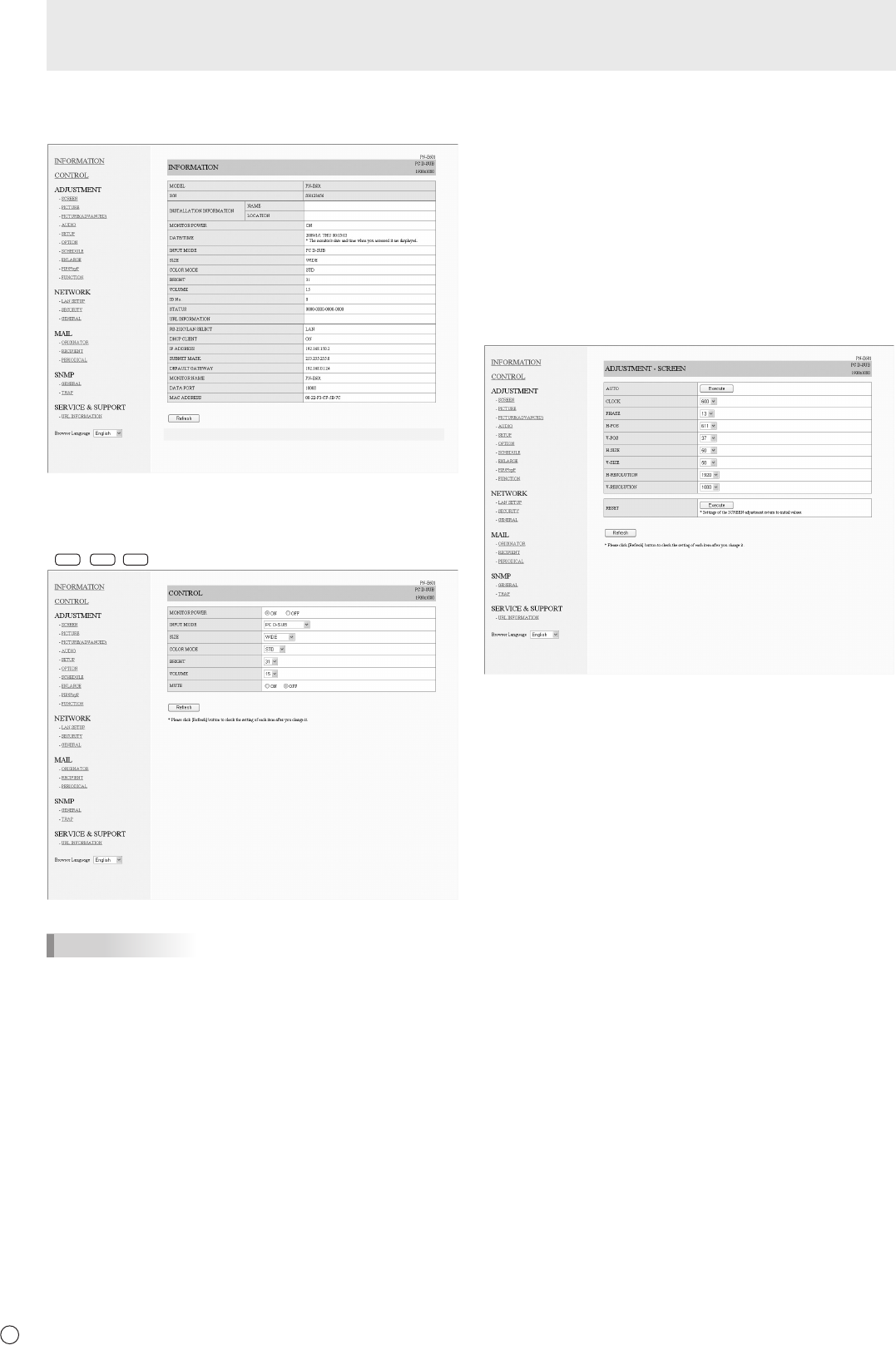
- ■INFORMATION 32
- ■CONTROL 32
- ■ADJUSTMENT 32
- ■NETWORK(LANSETUP) 33
- ■NETWORK(SECURITY) 33
- ■NETWORK(GENERAL) 34
- ■MAIL(ORIGINATOR) 34
- ■MAIL(RECIPIENT) 35
- ■MAIL(PERIODICAL) 35
- ■SERVICE&SUPPORT 36
- (URL INFORMATION) 36
- Troubleshooting 37
- PN-E601E521 G EN09L(2) 38
Relacionado con productos y manuales para Las demostraciones públicas Sharp PN-E521
 (43 paginas)
 (40 paginas)
© 2020, manymanuals.es. Todos los derechos reservados | 0.018 s |
 Manymanuals.com
 Manymanuals.de
 Manymanuals.fr
 Manymanuals.it
 Manymanuals.pl
 Manymanuals.cz
 Manymanuals.es
 Manymanuals-pt.com
Comentarios a estos manuales