Sharp MX-4110N Folleto
Busca en linea o descarga Folleto para Multifuncionales Sharp MX-4110N. Sharp MX-4110N Brochure Manual de usuario
- Pagina / 12
- Tabla de contenidos
- MARCADORES

Indice de contenidos
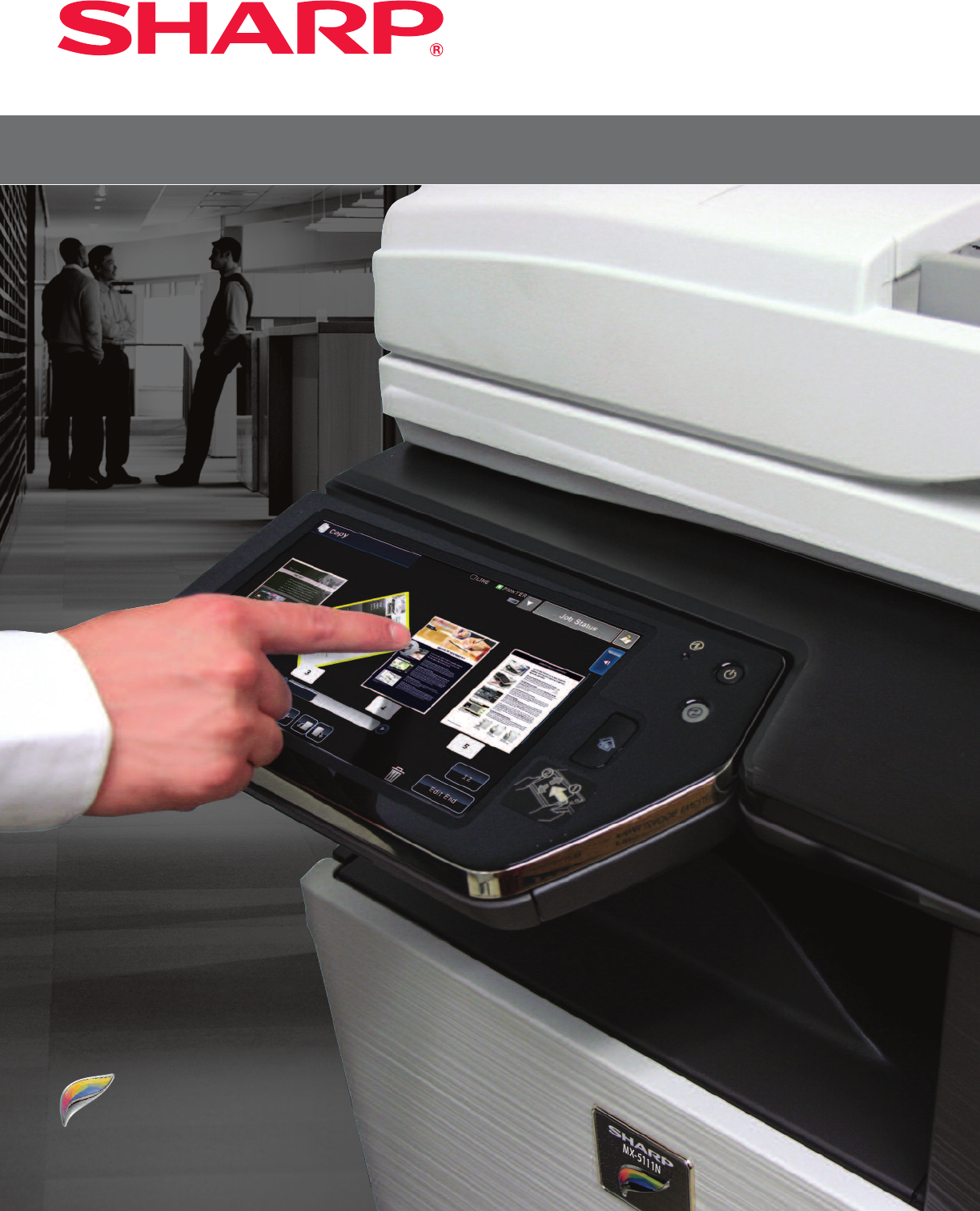
Po w e r f u l P e r f o r M a N c e w i t h t h e t o u c h o f a f i N g e rMX-4110N/4111N/5110N/5111NMX-4110N/4111N/5110N/5111N
Innovative document and device protection helpsensure confidentiality.To help protect your data, the MX-4110N/4111N/5110N/5111N offers several layers
Sharp’s ongoing commitment and dedication todeveloping energy efficient document systems set a high standard for the industry.Designed with a Strong C
;)"21-&$420/*$302102"4*0/--2*()432&3&26&% 2*/4&%*/ :
grouNdbreakiNg, full-color ledger-size docuMeNt systeMsA vision at work–MX-4110N/4111N/5110N/5111N–provides yourbusiness with the tools you need to ga
Advanced features plus multi-functional capability allow you to meet tomorrow’s document needs today.•Large 10.1" high resolution touch-screendis
Flexible design to meet the needs of your environment. A Smart Touch-Screen Helps You Get Your Work Done Fast The new MX-4110N/4111N/5110N/5111N workg
Advanced technologies deliver outstanding outputquality, flexible document distribution at your fingertips.Exceptional Print Quality with Professional
iNtuitive user iNterface oN 10.1-iNch color lcd...Sharp’s new high resolution touch-screen display offers the customization and ease-of-use your busin
Navigates you sMoothly through advaNced MfP fuNctioNsChange the Theme: Easily change the menu colors and Icon layout to suit the preferences of users
get More out of Network resourcesStreamline your document workflow and enhance yourproductivity with Sharp OSA®Technology.Integrating With Network App
The MX-4110N/4111N/5110N/5111N Color Seriesdocument systems enhance operational efficiencythrough versatile device management capabilities. Sharp Remo
Relacionado con productos y manuales para Multifuncionales Sharp MX-4110N
 (148 paginas)
(207 paginas)
(12 paginas)
(34 paginas)
(56 paginas)
(12 paginas)
(6 paginas)
(2 paginas)
(2 paginas)
(2 paginas)
(1 paginas)
(2 paginas)
(148 paginas)
(207 paginas)
(12 paginas)
(34 paginas)
(56 paginas)
(12 paginas)
(6 paginas)
(2 paginas)
(2 paginas)
(2 paginas)
(1 paginas)
(2 paginas)
© 2020, manymanuals.es. Todos los derechos reservados | 0.030 s |
 Manymanuals.com
 Manymanuals.de
 Manymanuals.fr
 Manymanuals.it
 Manymanuals.pl
 Manymanuals.cz
 Manymanuals.es
 Manymanuals-pt.com
Comentarios a estos manuales