Sharp PW-E420 Especificaciones Pagina 38
- Pagina / 56
- Tabla de contenidos
- MARCADORES

- ELECTRONIC DICTIONARY 1
- OPERATION MANUAL 1
- D-20097 Hamburg 2
- Introduction 3
- CONTENTS 5
- Getting Started 6
- Data contained in the PW-E420 8
- Operation guidance message 10
- Basic Operation of PW-E420 11
- Selecting an item or a word 12
- Scrolling the view 12
- Selecting each entry 12
- Other useful keys 13
- Inputting Characters 15
- Modifying entry 16
- Using Langenscheidt Englisch 17
- Word games (Buchstabenrätsel) 19
- Further information 21
- Using Langenscheidt Deutsch 22
- Englisch 22
- Using Langenscheidt 23
- Französisch-Deutsch 23
- Französisch 28
- Using Duden – Die deutsche 29
- Rechtschreibung 29
- Duden-rules 32
- Zusatz-Infos (Contents-Info) 33
- How to view the Zusatz-Infos 34
- Using the Super jump function 35
- Deleting a My Words List item 37
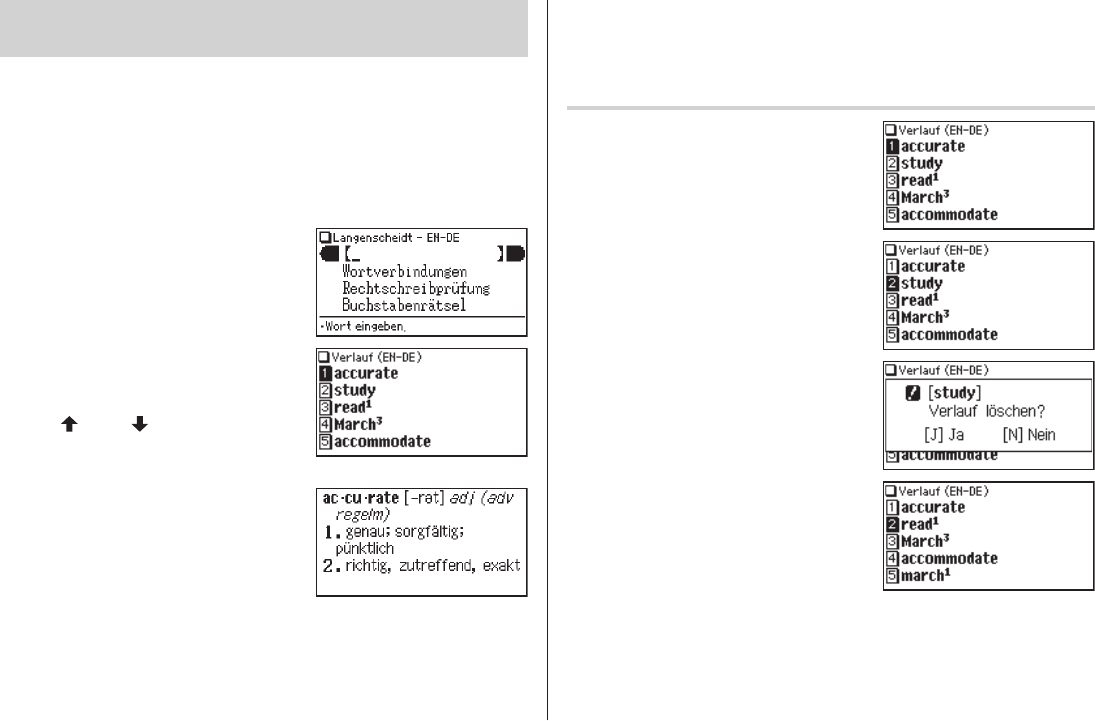
- Using the History function 38
- Using the Calculator function 40
- Using the Converter function 41
- Appendices 44
- Specifications 45
- Troubleshooting 46
- Product support 46
- Further information of the 47
- Die längsten Wörter im Duden 51
- PRINTED IN CHINA 56
- 12FC-70EC 56
Relacionado con productos y manuales para Diccionarios electrónicos Sharp PW-E420

 (52 paginas)
 (88 paginas)
© 2020, manymanuals.es. Todos los derechos reservados | 0.026 s |
 Manymanuals.com
 Manymanuals.de
 Manymanuals.fr
 Manymanuals.it
 Manymanuals.pl
 Manymanuals.cz
 Manymanuals.es
 Manymanuals-pt.com
Comentarios a estos manuales