Sharp AR-C170M Especificaciones Pagina 43
- Pagina / 96
- Tabla de contenidos
- MARCADORES

- FOR YOUR RECORDS 2
- CONTENTS 3
- USER SETTINGS 4
- TROUBLESHOOTING 4
- ROUTINE MAINTENANCE 4
- APPENDIX 4
- CAUTIONS 5
- CAUTIONS ON HANDLING 6
- USING THE MANUAL 7
- SPF AND RSPF 8
- DIFFERENCES BETWEEN MODELS 8
- MAIN FEATURES 9
- BEFORE USING THE MACHINE 10
- OPERATION PANEL 12
- CLEAR ALL 13
- POWER ON AND OFF 14
- LOADING PAPER 15
- Loading the paper tray 16
- Loading the bypass tray 17
- Envelopes 18
- Front guide 19
- Left guide 19
- COPY FUNCTIONS 20
- Copying from the SPF/RSPF 21
- SELECTING THE TRAY 23
- REDUCTION/ENLARGMENT/ZOOM 24
- PRESET RATIO 25
- (XY ZOOM copying) 26
- TWO-SIDED COPYING USING THE 28
- BYPASS TRAY 28
- AUTOMATIC TWO-SIDED COPYING 29
- Using the document glass 30
- Using the RSPF 30
- ORIGINAL TO COPY 31
- DUAL PAGE COPYING 32
- INTERRUPTING A COPY RUN 33
- CONVENIENT COPY FUNCTIONS 34
- Using the SPF/RSPF 35
- COPYING MULTIPLE ORIGINALS 36
- ONTO A SINGLE SHEET OF PAPER 36
- Setting the layout pattern 37
- CREATING MARGINS WHEN COPYING 38
- ERASING SHADOWS AROUND THE 39
- EDGES OF A COPY 39
- PRINTER/SCANNER FUNCTIONS 40
- USING THE PRINTER MODE 41
- USING THE SCANNER MODE 42
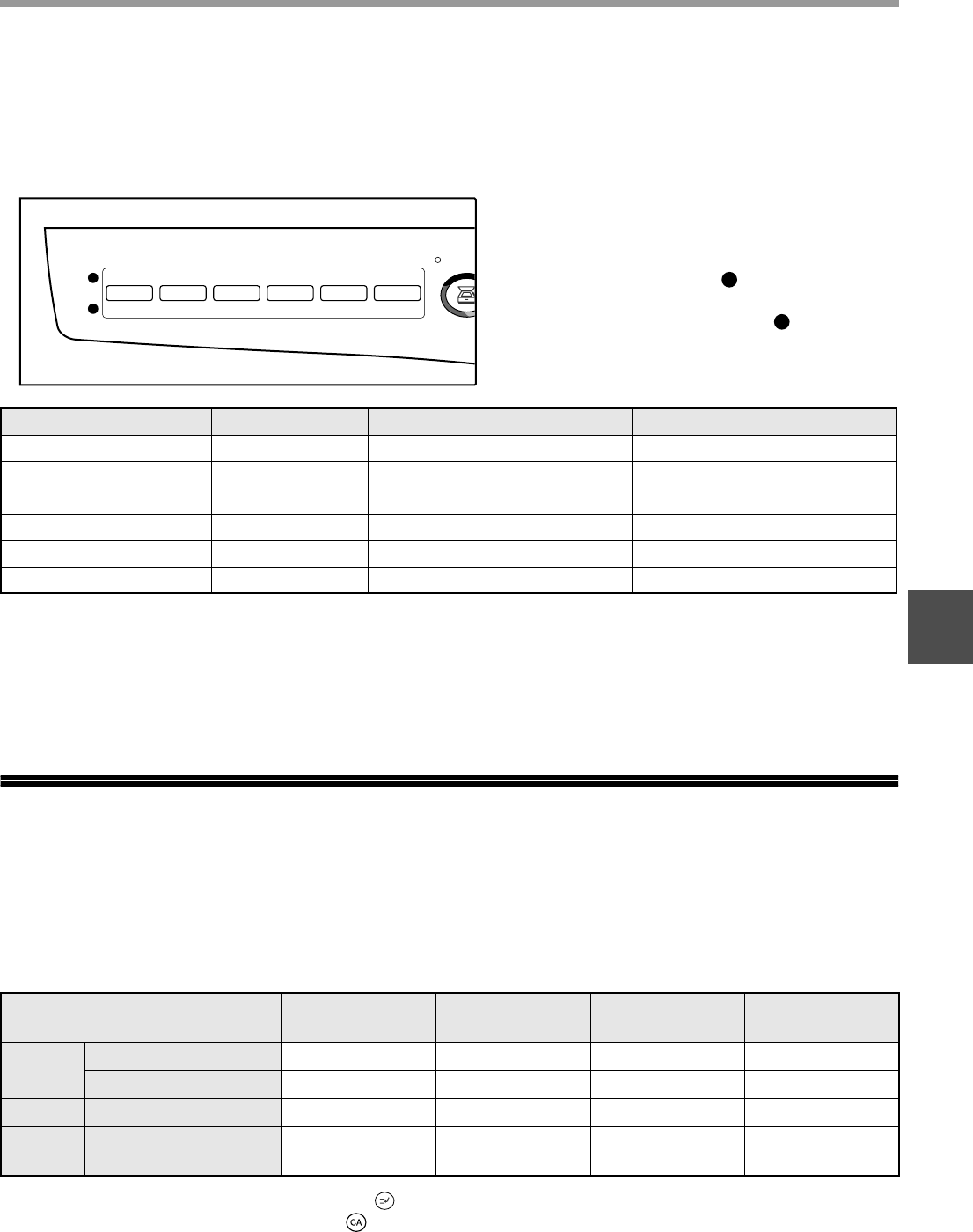
- OPERATION IN COPY, PRINTER 43
- AND SCANNER MODES 43
- ENABLING TONER SAVE MODE 45
- CUSTOMIZING SETTINGS 46
- Base settings 49
- SETTINGS FOR AUDITING MODE 50
- READ-END 51
- Auditing mode 52
- Account number entry 52
- Account number change 52
- Account number deletion 52
- Number of copies per account 52
- Resetting account 53
- MACHINE/COPYING PROBLEMS 55
- Notice page printed 63
- Removing the software 63
- INDICATORS AND DISPLAY 64
- MESSAGES 64
- MISFEED REMOVAL 65
- MISFEED IN THE BYPASS TRAY 66
- B. Misfeed in the fusing area 68
- Close the upper paper tray 70
- (AR-M205 only) 71
- REPLACING THE TONER CARTRIDGE 72
- PERIPHERAL DEVICES 76
- SINGLE PASS FEEDER/ 77
- REVERSING SINGLE PASS FEEDER 77
- 250-SHEET PAPER FEED UNIT/ 77
- 2 X 250-SHEET PAPER FEED UNIT 77
- STORAGE OF SUPPLIES 78
- Printer Function 80
- Scanner Function 81
- SOFTWARE LICENSE 82
- MATERIAL SAFETY DATA SHEET 84
- WARNING: 95
- SHARP CORPORATION 96
Relacionado con productos y manuales para Copiadoras Sharp AR-C170M
 (2 paginas)
(89 paginas)
(18 paginas)
(112 paginas)
(66 paginas)
(26 paginas)
 (72 paginas)
 (2 paginas)
(74 paginas)
(12 paginas)
(82 paginas)
(44 paginas)
(107 paginas)
(36 paginas)
(9 paginas)
(170 paginas)
(2 paginas)
(5 paginas)
Clear-Com ICS-2003 manuali
Manuali dei proprietari e guide per l'utente per Accessori per la comunicazione Clear-Com ICS-2003.
We fornisce 2 manuali pdf Clear-Com ICS-2003 per scaricare gratuitamente in base al tipo di documento: Manuale Utente

Clear com ICS-2003 Manuale Utente (8 pagine)
Marchio: Clear-com | Categoria: Accessories communication | Dimensione: 0.74 MB |
Indice
Clear com ICS-2003 Manuale Utente (97 pagine)
Marchio: Clear-com | Categoria: Accessories communication | Dimensione: 1.42 MB |
Indice
3
24
27
36
41
53
53
54
68
70
76
81
81
81
83
Più prodotti e manuali per Accessori per la comunicazione Clear-Com
| Modelli | Tipo di Documento |
|---|---|
| DX Base Antenna |
Manuale Utente
Clear-Com DX Base Antenna User Manual,
4 pagine
|
| DX Base Antenna |
Manuale Utente
Clear-Com DX Base Antenna User Manual,
2 pagine
|
| HME DX200 |
Manuale Utente
Clear-Com HME DX200 User Manual,
2 pagine
|
| Eclipse-Omega |
Manuale Utente
Clear-Com Eclipse-Omega User Manual,
155 pagine
|
| MD-XLR Headset Adapter |
Manuale Utente
Clear-Com MD-XLR Headset Adapter User Manual,
1 pagine
|
| HME DX200 |
Manuale Utente
Clear-Com HME DX200 User Manual,
6 pagine
|
| HME DX100 |
Manuale Utente
Clear-Com HME DX100 User Manual,
35 pagine
|
| CB-222 |
Manuale Utente
Clear-Com CB-222 User Manual,
2 pagine
|
| Tempest2400 |
Manuale Utente
Clear-Com Tempest2400 User Manual,
16 pagine
|
| CB-222 |
Manuale Utente
Clear-Com CB-222 User Manual,
32 pagine
|
| CB-222 |
Manuale Utente
Clear-Com CB-222 User Manual,
20 pagine
|
| Tempest2400 |
Manuale Utente
Clear-Com Tempest2400 User Manual,
4 pagine
|
| Logic-Maestro |
Manuale Utente
Clear-Com Logic-Maestro User Manual,
163 pagine
|
| HME DX121 |
Manuale Utente
Clear-Com HME DX121 User Manual,
39 pagine
|
| HME DX200 |
Manuale Utente
Clear-Com HME DX200 User Manual [en] ,
9 pagine
|
| Tempest2400 |
Manuale Utente
Clear-Com Tempest2400 User Manual,
106 pagine
|
| HME DX300ES |
Manuale Utente
Clear-Com HME DX300ES User Manual,
34 pagine
|
| Tempest900 |
Manuale Utente
Clear-Com Tempest900 User Manual,
4 pagine
|
| BS200 |
Manuale Utente
Clear-Com BS200 User Manual [en] ,
1 pagine
|
| Eclipse-Omega |
Manuale Utente
Clear-Com Eclipse-Omega User Manual,
466 pagine
|
© 2020, manymanuals.es. Todos los derechos reservados | 0.020 s |
 Manymanuals.com
 Manymanuals.de
 Manymanuals.fr
 Manymanuals.it
 Manymanuals.pl
 Manymanuals.cz
 Manymanuals.es
 Manymanuals-pt.com
Comentarios a estos manuales