Sharp CD-DH899N Especificaciones
Busca en linea o descarga Especificaciones para Altavoces del coche Sharp CD-DH899N. Sharp CD-DH899N Specifications Manual de usuario
- Pagina / 16
- Tabla de contenidos
- MARCADORES

Indice de contenidos
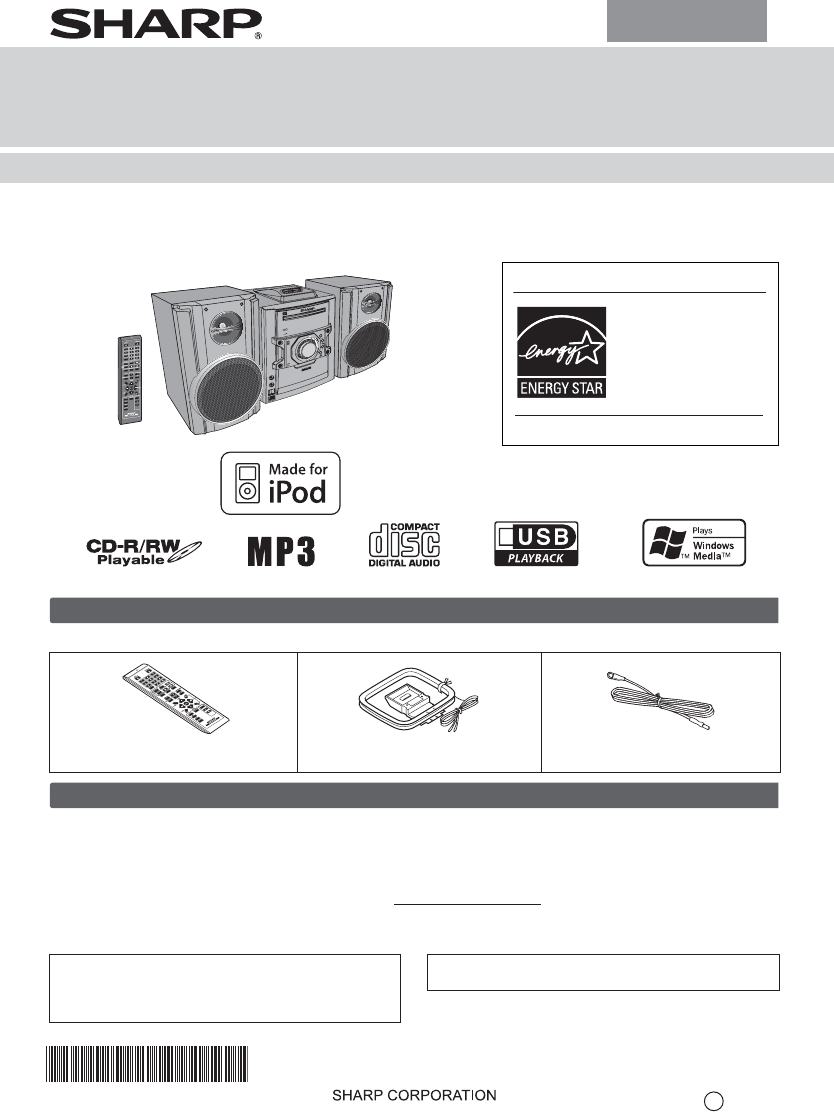
TINSZA643AWZZOPERATION MANUALMODELCD-DH899NMINI COMPONENT SYSTEMENERGY STAR® Program InformationProducts that have earnedthe ENERGY STAR® aredesigned
E-9Notes:● When radio interference occurs, auto scan tuning maystop automatically at that point.● Auto scan tuning will skip weak signal stations.● To
E-10Note:Tape recording function is not available in thisunit.Caution:● To remove the cassette, press the (TAPE ) button,and then open the compartm
E-11In this example, the clock isset for the 12-hour (AM 12:00)display.To confirm the time display:Press the CLOCK/TIMER button. The time display will
E-12Notes:● When performing timer playback using another unitconnected to the USB terminal or AUDIO IN jack, select“USB” or “AUDIO IN” in step 8.● T
E-13The connection cord is not included. Purchase acommercially available cord as s hown below.Note:To prevent noise interference, place the unit away
E-14Sudden temperature changes, storage or operation in an extremelyhumid environment may cause condensation inside the cabinet (CDpickup, etc.) or on
E-15As part of our policy of continuous improvement, SHARPreserves the right to make design and specificationchanges for product improvement without
E-1For U.S. customer onlyCONSUMER LIMITED WARRANTYSHARP ELECTRONICS CORPORATION warrants to the first consumer purchaser that this Sharp brand product
E-2Caution:● Replace all old batteries with new onesat the sametime.● Do not mix old and new batteries.● Remove the batteries if the unit will not be
E-3The first time the unit is plugged in, the unit will enter the demonstration mode.To dim the display brightness, hold down the CLEAR/DIMMER button
E-4Supported iPod models:●iPod nano (software 1.2 above)●iPod mini (software 1.2 above)●iPod (5th generation) (software 1.3above) (Dock connector equi
E-5Notes:●If the TV Out setting isalready turned on at video menu, thevideo isautomatically displayed on the TV screen whenENTER key is pressed.●To re
E-6By using the Direct Search buttons, the desired tracks onthe current disc can be played.Use the Direct Search buttons on the remote control toselec
E-7To cancel the programmed play mode:During programmed stop mode, press the (CD )button. The display will show “MEM CLEAR” and all theprogrammed c
E-8Note:This USB mass storage device or MP3 player is not compatible with MTPand AAC file systems.Note:To p ause playback:Press the / (USB / ) butto
Mas documentos para Altavoces del coche Sharp CD-DH899N

Relacionado con productos y manuales para Altavoces del coche Sharp CD-DH899N
 (16 paginas)
© 2020, manymanuals.es. Todos los derechos reservados | 0.028 s |
 Manymanuals.com
 Manymanuals.de
 Manymanuals.fr
 Manymanuals.it
 Manymanuals.pl
 Manymanuals.cz
 Manymanuals.es
 Manymanuals-pt.com
Comentarios a estos manuales