Sharp MD-C2H Manual de usuario
Busca en linea o descarga Manual de usuario para Acústica Sharp MD-C2H. Sharp MD-C2H User Manual Manual de usuario
- Pagina / 56
- Tabla de contenidos
- MARCADORES

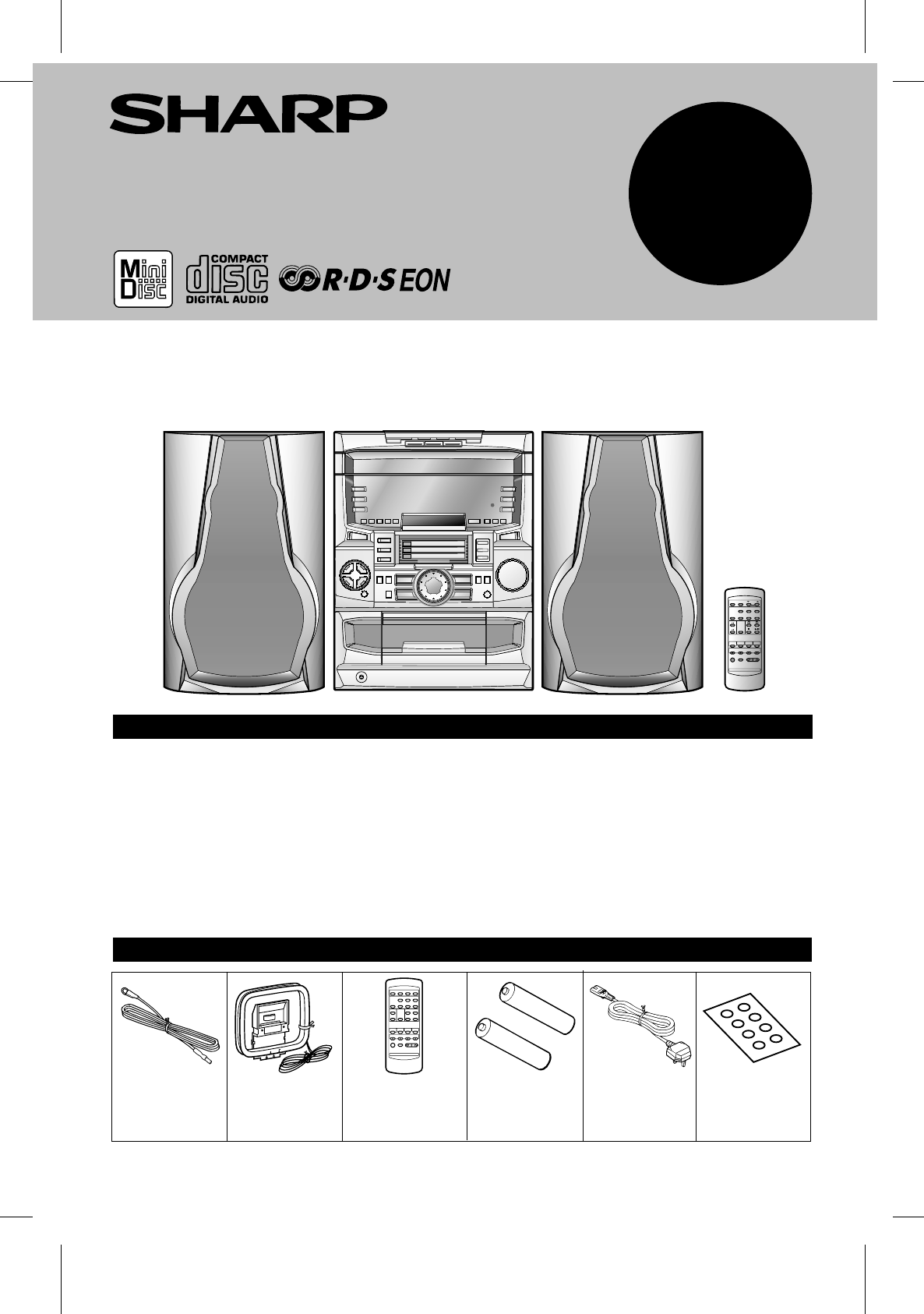
- MD MINI SYSTEM 1
- SPECIAL NOTES 2
- ■ General 3
- ■ Volume control 3
- ■ Condensation 3
- ■ Care of compact discs 3
- ■ Cassette tape 3
- ■ Front panel 4
- ■ Aerial connection 7
- ■ Speaker connection 7
- ■ Placing the system 8
- ■ Demo mode 8
- 2 Press the DIMMER button 9
- SETTING THE CLOCK 10
- ■ Volume 11
- ■ Pre-programmed equalizer 11
- ■ Extra bass (X-BASS) 11
- ■ Surround 11
- ■ Loading and playing CDs 12
- (Continued) 13
- MINIDISC OPERATION 14
- ■ Tape playback 15
- ■ Tuning 16
- ■ Preset tuning 17
- ■ Preset memory scan 17
- ■ Information Provided by RDS 18
- 1 Press the STATION button 22
- ■ To switch the display 24
- ■ Notes for Radio text 24
- ■ Notes for RDS operation 24
- ■ EON-PTY 25
- ■ EON-TI 26
- ■ Cue and review 28
- 2 Press the PLAY MODE button 29
- ■ Disc writing (TOC) 32
- ■ About track numbers 32
- A B C D D E 37
- A B C D E F G H 37
- A B C D E H F G 37
- ■ Usable characters 38
- TOC EDIT 39
- ■ To create a disc name 42
- ■ To create a track name 43
- ■ Timer playback 45
- ■ Timer recording 46
- ■ Sleep operation 47
- ■ Connecting external units 48
- ■ Headphones 48
- ■ Manual recording 49
- WHAT IS A MINIDISC? 50
- ■ If a problem occurs 51
- ■ Moisture condensation 54
- ■ Internal care 54
- ■ External care 54
- SPECIFICATIONS 55
- SHARP ELECTRONICS (U.K.) LTD 56
- SHARP CORPORATION 56
- TERMS OF GUARANTEE 56
Indice de contenidos
OPERATION MANUALMODELMD-C2HHK <P=001>MD MINI SYSTEMMD-C2H(SUK) TINSE0238AWZZThank you for purchasing this SHARP product. To obtain the best perf
<P=004>SETTING THE CLOCK 1 Press the ON/STAND-BY button to turn the power on.2 Press the CLOCK button.3 Within 5 seconds, press the ENTER button
HKFLATVOCALSOFT-1SOFT-2HEAVY-1 HEAVY-2<P=001>SOUND CONTROL Volume(Main unit operation)When the VOLUME control is turned clockwise, the volume
<P=002>COMPACT DISC OPERATION Loading and playing CDs1 Press the ON/STAND-BY button to turn the power on.2 Press the CD button.3 Press the O
<P=003>(Continued) When choosing a CD for playbackPress one of the CD PLAY 1 - 3 buttons to select the CDyou want to listen to.● Only the s
<P=004>MINIDISC OPERATION Loading and playing MiniDiscs1 Press the ON/STAND-BY button to turn the power on.2 Press the MD button.3 Load the Min
HK<P=001>(Continued)31521245 When choosing a MD for playbackPress one of the MD PLAY 1 - 3 buttons to select the MDyou want to listen to.●
<P=002>RADIO OPERATION Tuning1 Press the ON/STAND-BY button to turn the power on.2 Press the TUNER (BAND) button.3 Press the TUNER (BAND) butt
<P=003>(Continued)ENTERMEMORYTUNER(BAND) Preset tuningYou can store up to 40 stations in memory (40 stations consistingof any combination of AM
<P=004>RDS (Radio Data System) OPERATIONRDS is a broadcasting service which a growing number of FM stations are now providing. It allows these F
<P=005>(Continued)Descriptions of the PTY (Programme Type) codes, TP (Traffic Programme) and TA (Traffic Announcement)With the MD-C2H, you can s
SPECIAL NOTES ● Recording and playback of any material may requireconsent, which SHARP is unable to give. Please referparticularly to the provisions o
HK <P=001>(Continued) ASPM (Auto Station Program Memory)It is recommended that you store stations in memory usingASPM.(This memory can be used
<P=002>(Continued) To specify station names and select stationsmanually (station select)You can received for a desired station by specifying th
<P=003>(Continued)Notes:● When there are no station names stored in memory,you cannot use this function. In this case, when theSTATION button is
<P=004>(Continued) To recall stations that have been stored inmemory (PTY search)You can search a desired stations by specifying the programmet
<P=005>(Continued) To manually recall the stations stored in mem-oryEach time you turn the jog dial one step the channel number willchange.● Af
<P=006>(Continued) EON-PTY1 Tune in the desired RDS station (when a station name isbeing displayed).2 Press the EON button when "EON"
HK<P=001>(Continued) EON-TI1 Tune in the desired RDS station (when a station name isbeing displayed).2 Press the EON button when "EON"
<P=002>(Continued)In the following cases, the EON stand-by mode will becancelled.● Press the ON/STAND-BY button to enter the stand-bymode.● When
<P=003>CONVENIENT CD AND MD OPERATIONS APSS (Auto Program Search System)APSS automatically locates the beginning of any track.To listen again t
<P=004>(Continued) Repeat and random play1 Select the desired programme source, MD or CD, by pressingthe MD or CD button.2 Press the PLAY MODE
HK<P=001>PRECAUTIONS General● Please make sure that the unit is positioned in a well ven-tilated area and that there is at least 10 cm (4"
<P=005>(Continued) APMS (Automatic Programmable Music Selector)1 Select the desired programme source, MD or CD, by pressingthe MD or CD button.
HK <P=001>(Continued) Switching the MD time displayEach time the MD TIME button is pressed during playback orwhen in the pause mode, the displa
<P=002>RECORDING Differences from tape recordingsYou cannot record music on thereverse side of a MiniDisc.MiniDiscs are single sided and shoul
<P=003>(Continued) Recording from CDs onto MiniDiscs (One-Touch Editing)You can record from up to three CDs onto three MiniDiscs witha one-touc
<P=004>(Continued) APMS recording from CDs onto MiniDiscsYou can select your favourite tracks from CDs and record themonto three consecutive Mi
HK <P=001>(Continued)1 -CD PLAY3CDTAPECDTAPE51126464 Recording from CDs or a cassette onto MiniDiscs (Synchronised Recording System)When a C
<P=002>(Continued)TAPE RECTAPE REC1 -CD PLAY31 -MD PLAY31 -MD/CD PLAY3CDMDMDCD2 Recording from the built-in radio to a cassettetape342
<P=003>EDITING Using the editing functionWe will show you some examples of how to use the editing functions. You can create a disc of your favo
12 312 34ABC DABCD12 312 34CDABCDABABCABDED12 3412 34E5CABD12 3412 34ABCD"#!$%&'()+,-./ <=>?@ _ `HK<P=001>(Continued)We wil
<P=002>(Continued) DivideENTERNAME/TOC EDITBefore making editing changes, check the disc number.1 Play the track which you want to divide into
<P=002>NAMES OF CONTROLS AND INDICATORS 2145312131415 16 1767891018 191120212635223623 2427 28252932 33 3437 38 39 4031304142 Front panel11. (C
<P=003>(Continued) MoveBefore making editing changes, check the disc number.1 Whilst in the stop mode, select the track you want to moveusing t
<P=004>(Continued) EraseBefore making editing changes, check the disc number.ENTERNAME/TOC EDITTo erase tracks one at a time:1 Whilst in the st
HK<P=001>(Continued) To create a disc nameBefore making editing changes, check the disc number.A name for the whole disc. A Disc name is displa
<P=002>(Continued) To create a track nameBefore making editing changes, check the disc number.Name each track.A track’s name will be displayed
<P=003>(Continued) To change disc names and track namesBefore making editing changes, check the disc number.1 To change disc names, perform ste
<P=004>HOW TO USE THE BUILT-IN TIMER ● Before setting the timer, make sure that the clock setting iscorrect. (Page 9)ENTERTIMERON/STAND-BY234576
<P=005>(Continued)● Before setting the timer, make sure that the clock setting iscorrect. (Page 9)ENTERONSTAND-BYMD RECTAPE RECTIMER234576 Time
HK<P=001>(Continued)ENTERSLEEP23Caution:In the following cases, the timer recording function willnot work.When recording on a MiniDisc:● When a
<P=002>USING EXTERNAL UNITS Connecting external unitsBefore connecting external units, set this unit to the stand-by mode and turn off the pow
<P=003>(Continued) Listening to sound from an external unit1 Press the AUX button.2 Start playback on the external unit and press the ( ) or
<P=003>(Continued) Display window11. (MD/CD) Random Play Indicator12. Timer Play Indicator13. Timer Record Indicator14. (MD/CD) Repeat Indicato
HK <P=001>WHAT IS A MINIDISC?The disc is stored in a cartridge. You can handle it easily without worrying about dust, fingerprints, etc.However,
<P=002>MINIDISC SYSTEM LIMITATIONSEven if the maximum recording time of a MiniDisc hasnot been reached, "TOC FULL ∗" may be displayed.
<P=003>(Continued)CD playbackSYMPTOM POSSIBLE CAUSEREMEDY● Even though a disc has been loaded,"CD NO DISC" is displayed.● Playback sto
2HK <P=001>(Continued)When an error message is displayed, proceed as follows:Error messagesMeaningRemedyBLANK MD● Nothing is recorded. ● Replace
<P=002>(Continued)U TOC ∗ ERR(∗:Number orSymbol)● TOC information recorded on the MD does notmatch the MD specifications or it cannot beread.● R
<P=003>SPECIFICATIONSAs part of our policy of continuous improvement, SHARP reserves the right to make design and specification changes forprodu
MD-C2H(SUK) TINSE0238AWZZSHARP ELECTRONICS (U.K.) LTD.Sharp House, Thorp Road, Newton Heath, Manchester, M40 5BESHARP CORPORATION?????.??TERMS OF GUAR
<P=004>(Continued) Remote control 11. Remote Control Transmitter LED12. Programme Type/Traffic Information Search Button13. Station Selector Bu
HK <P=001>PREPARATION FOR USE123123● Unplug the AC power lead from the AC socket before con-necting or disconnecting any component. Aerial conn
<P=002>(Continued) Removing the speaker grilles1 Remove the lower part of the speaker grille first.2 Remove the upper part of the speaker grill
<P=003>(Continued) Remote control● When inserting or removing the batteries, push them towardsthe battery terminal.● Installing the batteries
Relacionado con productos y manuales para Acústica Sharp MD-C2H
 (2 paginas)
(61 paginas)
(36 paginas)
(2 paginas)
(61 paginas)
(36 paginas)
© 2020, manymanuals.es. Todos los derechos reservados | 0.029 s |
 Manymanuals.com
 Manymanuals.de
 Manymanuals.fr
 Manymanuals.it
 Manymanuals.pl
 Manymanuals.cz
 Manymanuals.es
 Manymanuals-pt.com
Comentarios a estos manuales