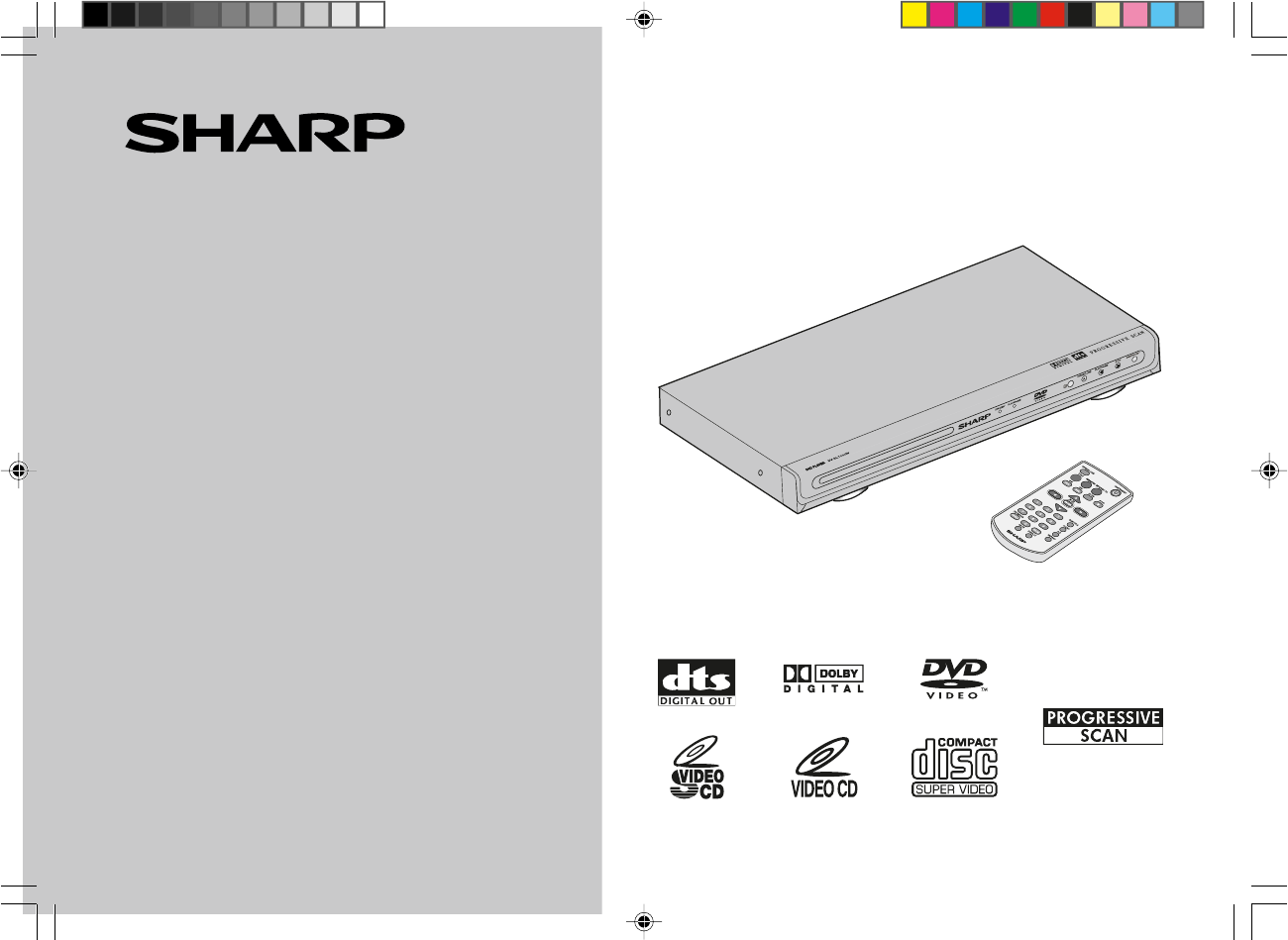
Sharp DV-SL1000W Especificaciones
Busca en linea o descarga Especificaciones para Reproductores de dvd Sharp DV-SL1000W. Sharp DV-SL1000W Specifications Manual de usuario
- Pagina / 52
- Tabla de contenidos
- SOLUCIÓN DE PROBLEMAS
- MARCADORES

- Special notes 2
- Accessories 2
- Contents 3
- Precautions 4
- Types of playable discs 5
- Description of discs 6
- 12345678 7
- General Information 8
- S-VIDEO IN 1 10
- COMPONENT VIDEO INPUT 10
- System Connections 11
- Additional connections 15
- Preparation for Use 20
- Changing the system setup 21
- General control 28
- DVD playback 29
- DVD Operation 30
- Basic operation 31
- Useful operation 33
- Various settings 37
- with P.B.C. ON 38
- 39
- ideo CD and Su 40
- CD operation 41
- JPEG disc operation 42
- CD, CD-R and CD-RW Operation 43
- Enjoying various sounds 45
- Troubleshooting chart 46
- References 47
- Maintenance 48
- Copyright 49
- SHARP CORPORATION 52
Indice de contenidos
REYALP DVDLEDOMLS-VD W0001LAUNAM NOITAREPONOITAROPROC PRAHSmorf ecnamrofrep tseb eht niatbo oT .tcudorp PRAHS siht gnisahcrup rof uoy knahTPRAHS ruoy
DV-SL1000WE-9ENGLISHS-VIDEO IN 1Using the COMPONENT VIDEO OUT socketsNotes:Please follow the steps before turn on the power.1. If your TV has the comp
DV-SL1000WE-10ENGLISHUsing RF ModulatorIf your TV does not have a Video input socket and has an aerial terminal only,please purchase the *RF Modulator
DV-SL1000WE-11ENGLISHSystem ConnectionsConnecting to a conventional TV (continued)1. Connect the aerial cable (not supplied) to the VHF/UHF FROMANTENN
DV-SL1000WE-12ENGLISHRAUDIO INPUT COMPONENT VIDEO INPUTLYPBPRSystem ConnectionsYour TV must be capable of handling progressive scanning and have compo
DV-SL1000WE-13ENGLISH+\Notes:I Please refer to your TV instruction manual.I When you connect the DVD player to your TV, be sure to turn off the power
DV-SL1000WE-14ENGLISHAUDIOINPUTR-AUDIO-L VIDEOAUDIOVIDEOINPUT1LRSystem ConnectionsAdditional connectionsH Connecting to an Audio System and TV Connect
DV-SL1000WE-15ENGLISH* Please consult your local audio/video dealer.To enjoy Dolby Digital or DTSSelect “RAW” in “AUDIO OUT” on the “AUDIO SETUP”. (Se
DV-SL1000WE-16ENGLISHTo enjoy 2 Channel Digital Stereo soundSelect “PCM” in “AUDIO OUT” on the “AUDIO SETUP”. (See page 23)* Please consult your local
E-17ENGLISHDV-SL1000WSystem ConnectionsNote:Please refer to your amplifier instruction manual.* Please consult your local audio/video dealer.H Connect
E-18ENGLISHDV-SL1000WSystem ConnectionsHHHHHConnecting the AC power leadAfter checking all the connections have been made correctly, plug the AC power
DV-SL1000WE-1ENGLISHSpecial notesImportant InstructionCAUTIONI This product is classified as a CLASS 1 LASER product.I This product contains a low pow
E-19ENGLISHDV-SL1000WH Test of the remote controlCheck the remote control operation after making all the connections.Point the remote control directly
E-20ENGLISHDV-SL1000W1 Press the ON/STANDBYbutton on DVD PLAYER toturn the power on.I The SHARP startup screen appears.I If the startup screen is blur
E-21ENGLISHDV-SL1000WSelect the correct colour system (TV standard).A screen saver appears.The screen saver is disabled.The screen mode should be set
E-22ENGLISHDV-SL1000W LANGUAGE SETUPSUBTITLE LANG ENGLISH*CHINESEJAPANFRENCHSPANISHPORTUGUESEGERMANOFFPreparation for UseEXIT SETUP –MENU LANG ENGLIS
E-23ENGLISHDV-SL1000WCONTRAST 1210 8 6* 4 2 0 AUDIO SETUPDIGITAL OUT RAW*PCMPreparation for UseChanging the system setup (continued) Setup
E-24ENGLISHDV-SL1000WHUE +6+4+2 0* -2 -4 -6SATURATION 1210 8 6 4 2 0*EXIT SETUP – VIDEO OUT S-VIDEOYUV*P-SCANPreparation for UseChanging the sy
E-25ENGLISHDV-SL1000WPreparation for UseChanging the system setup (continued)H TV type settingNote:When playing the disc with a fixed video format, it
E-26ENGLISHDV-SL1000WChanging the system setup (continued)Preparation for UseH Parental setting1 Select “SYSTEM SETUP” on the Setup menu screen (see s
E-27ENGLISHDV-SL1000WGeneral controlThe volume is muted when pressing the MUTE button on the remote control.Press again to restore the volume.* TV scr
E-28ENGLISHDV-SL1000WDisc trayLabel sideDVD playbackDVD OperationH PlaybackTurn on the TV, and switch the input to the “VIDEO 1”, “VIDEO 2”, etc.accor
DV-SL1000WE-2ENGLISHGeneral InformationContentsPageVarious settingsTo change the subtitle language ... 36T
E-29ENGLISHDV-SL1000WNO DISCREADNO DISPLAYNO DISCPRE STOPON/STANDBYRED LED ONSTOPSEQ PLAYPLAY/PAUSEGREEN LED ONPLAY/PAUSEGREEN LED ONPAUSE1 Whilst a d
E-30ENGLISHDV-SL1000WBasic operationDVD OperationH Fast forward/Fast backward (search)You can search the desired point as you play the disc.H To locat
E-31ENGLISHDV-SL1000WDVD OperationH To start playback from the desired point(direct play)To select and play the desired title and chapter:DVD Operatio
E-32ENGLISHDV-SL1000W 1 Whilst a disc is playing, press the SLOW buttonrepeatedly to select the desired speed. On DVD, the speed changes as follo
E-33ENGLISHDV-SL1000WDVD OperationH To change the angleYou can change the angle of view when playing a DVD disc that containsscenes recorded from mul
E-34ENGLISHDV-SL1000WH To play repeatedly (repeat play) You can play a chapter (track) or a title repeatedly by specifying it during playback.Whe
E-35ENGLISHDV-SL1000WH To play the contents between the specified points repeatedly (A-B repeat)You can play the desired portion repeatedly by sp
E-36ENGLISHDV-SL1000WVarious settingsH To change the subtitle languageYou can change the subtitle language or hide subtitles during playback.Notes:I O
E-37ENGLISHDV-SL1000WVideo CD and Super Video CD OperationH Playback of a video CD (super video CD) with P.B.C. ONThe following playback functi
E-38ENGLISHDV-SL1000WH To change the audio channel Video CD and Super Video CD OperationYou can select an audio channel. Whilst a disc is playing,
DV-SL1000WE-3ENGLISHPrecautionsGeneral InformationH GeneralIIIII Please ensure that the equipment is positioned in a well ventilated areaand ensure th
E-39ENGLISHDV-SL1000WH To start playback from the desired point (direct play)To select and play the desired track:Cancel the P.B.C. (playback con
E-40ENGLISHDV-SL1000WCD operationThe following playback functions are the same as DVD or VCD opera-tions.
E-41ENGLISHDV-SL1000W 1 Load a disc containing JPEG files,the JPEG menu screen appears. 2 Press the 5, ∞, 2 or 3 button to select a folder or atrac
E-42ENGLISHDV-SL1000WRepeat play on the JPEG menu screen:Whilst a disc is playing, press the REPEAT button.Each time the button is pressed, the repeat
E-43ENGLISHDV-SL1000WH Zoom functionPress the button.Press the button.Press the button.Press the button.To return to normal view:Press
E-44ENGLISHDV-SL1000WDolby DigitalOne of the digital audio systems for theatrical use. You can enjoy thestereophonic effect in the home theatre system
E-45ENGLISHDV-SL1000WTroubleshooting chartH GeneralMany potential problems can be resolved by the owner without calling aservice technician.If somethi
E-46ENGLISHDV-SL1000WH If trouble occursWhen this product is subjected to strong external interference (mechanicalshock, excessive static electricity
E-47ENGLISHDV-SL1000WAs part of our policy of continuous improvement, SHARP reserves the right tomake design and specification changes for product imp
E-48ENGLISHDV-SL1000WCopyrightCopyright information:I Unauthorised copying, broadcast, public display, transmission, public performance and rental (re
DV-SL1000WE-4ENGLISHGeneral InformationTypes of playable discsThe DVD player can play back discs bearing any of the following marks:Disc contentsDisc
MEMODV-SL800W_MEMO 8/22/05, 9:15 AM1
MEMODV-SL800W_MEMO 8/22/05, 9:15 AM1
SHARP CORPORATION92LY0M1003430806E R KI 1DV-SL700 F_B cover 2/20/06, 5:56 PM2
DV-SL1000WE-5ENGLISHGeneral InformationType of subtitles recorded Recorded subtitle languages.
DV-SL1000WE-6ENGLISH123456Controls and indicatorsH Main unit (front panel)1) Disc Tray2) STANDBY Indicator3) PLAY/PAUSE Indicator4) Remote Sensor5) Di
DV-SL1000WE-7ENGLISHControls and indicators (continued)
DV-SL1000WE-8ENGLISHAUDIOVIDEOINPUT1R-AUDIO-L VIDEOSystem ConnectionsNotes:I Please refer to your TV instruction manual.I When you connect the DVD pla
Relacionado con productos y manuales para Reproductores de dvd Sharp DV-SL1000W
 (108 paginas)
 (79 paginas)
 (40 paginas)
© 2020, manymanuals.es. Todos los derechos reservados | 0.017 s |
 Manymanuals.com
 Manymanuals.de
 Manymanuals.fr
 Manymanuals.it
 Manymanuals.pl
 Manymanuals.cz
 Manymanuals.es
 Manymanuals-pt.com
Comentarios a estos manuales